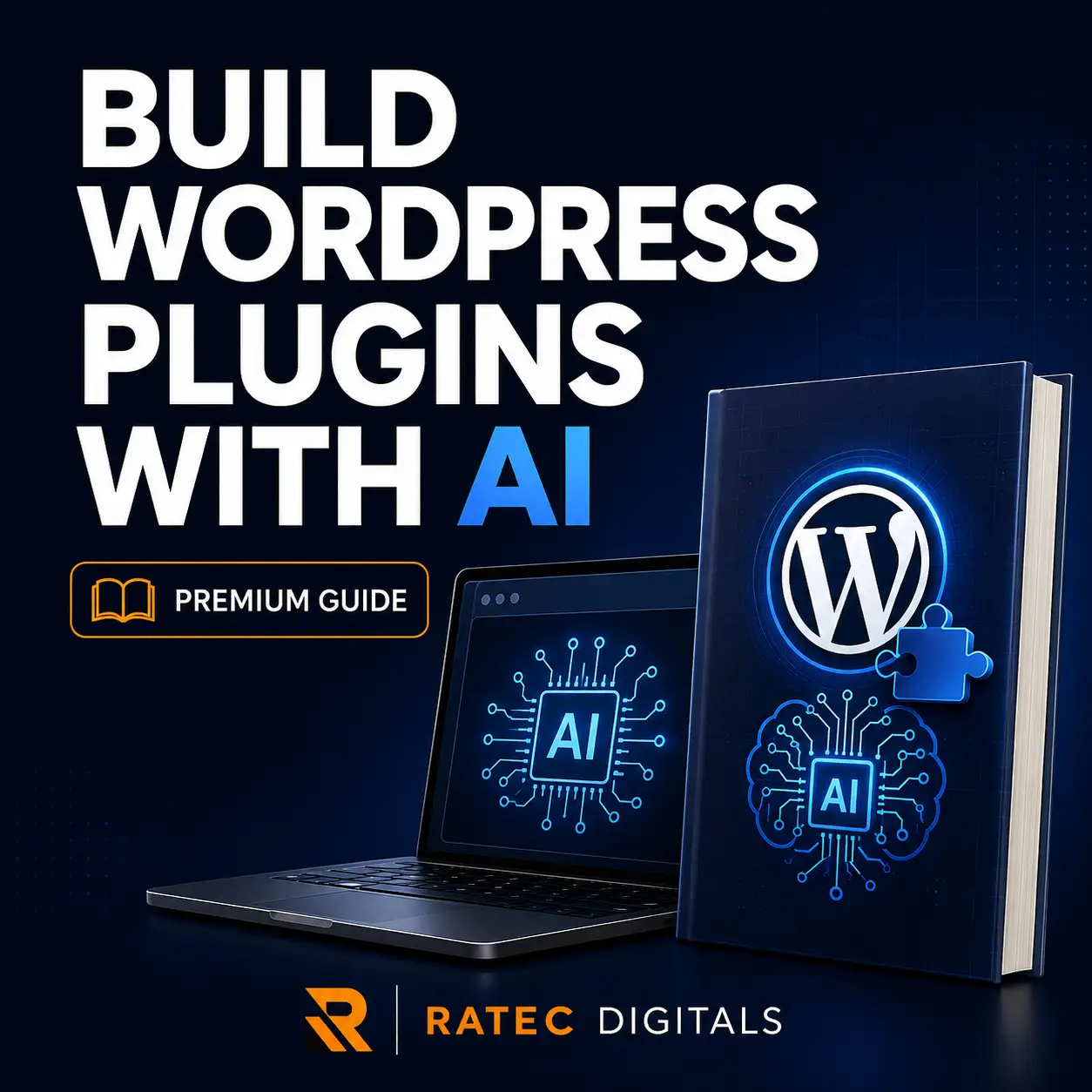
Build WordPress Plugins with AI: Professional Guide Using VS Code & WordPress Studio
$19.00
Description
Turn your WordPress plugin idea into a structured, secure, and installable project—with the help of artificial intelligence.
Build WordPress Plugins with AI is a practical, project-based ebook course that teaches you how to use an AI coding assistant, Visual Studio Code, and WordPress Studio to plan, build, test, debug, and package a WordPress plugin.
This is not a collection of random prompts or unexplained code. It introduces a professional development workflow that helps you understand what the AI generates, review every important decision, identify security problems, and test your plugin before using it on a live website.
Throughout the course, you will build a practical example called AI Content Notes Manager. This administration plugin allows authorized WordPress users to create, store, display, and delete notes securely.
WHAT YOU WILL LEARN
- How AI-assisted WordPress plugin development works
- How to install and configure WordPress Studio
- How to prepare Visual Studio Code for plugin development
- How to transform a plugin idea into clear requirements
- How to write better technical prompts for AI coding assistants
- How to create a professional WordPress plugin structure
- How plugin headers, hooks, actions, and activation functions work
- How to create and manage a custom WordPress database table
- How to process administrator forms securely
- How to use capability checks and WordPress nonces
- How to sanitize, validate, and escape data correctly
- How to prevent common WordPress security problems
- How to review AI-generated PHP and database code
- How to test authorized and unauthorized user actions
- How to debug plugin errors inside WordPress Studio
- How to improve plugin maintainability and accessibility
- How to create an installable plugin ZIP
- How to test your final package on a fresh WordPress site
- How to prepare documentation and a professional release checklist
WHAT IS INCLUDED
- 26-page professionally formatted PDF ebook
- More than 6,100 words of practical instruction
- 10 structured learning modules
- Beginner-friendly explanations
- Working PHP and WordPress code examples
- Complete AI Content Notes Manager project walkthrough
- Professional AI prompt templates
- Security-review prompts
- Debugging prompts
- WordPress threat-modeling guide
- Manual testing matrix
- Plugin release checklist
- Capstone development challenge
- Final knowledge assessment
- Answer guide
- Course completion statement
- Official WordPress and Visual Studio Code references
COURSE MODULES
Module 1: How the AI-Assisted Workflow Works
Understand the responsibilities of WordPress Studio, Visual Studio Code, your AI assistant, PHP, the browser, and Git.
Module 2: Install WordPress Studio and VS Code
Create a safe local WordPress development environment and prepare your plugin workspace.
Module 3: Design the Plugin Before Asking AI to Code
Create clear requirements, permissions, data rules, exclusions, risks, and testable acceptance criteria.
Module 4: Create the Plugin Foundation
Build the main plugin file, plugin header, direct-access protection, constants, required classes, and activation hook.
Module 5: Build Secure Data Storage and Admin Actions
Create a custom database table, process form submissions, validate information, store notes, and display results securely.
Module 6: Security-Review AI-Generated Code
Check authorization, nonces, input handling, SQL queries, output escaping, privacy decisions, and uninstall behavior.
Module 7: Test and Debug in WordPress Studio
Use manual testing, WordPress logs, PHP diagnostics, regression testing, and structured debugging prompts.
Module 8: Improve Maintainability and User Experience
Organize plugin responsibilities, improve accessibility, load assets correctly, prepare translations, and create accurate documentation.
Module 9: Package, Document, and Release
Build a clean plugin ZIP, test it on a fresh website, create a readme, verify compatibility claims, and prepare for distribution.
Module 10: Capstone Project and Prompt Library
Complete an independent plugin feature and reuse the included professional prompts for future development projects.
WHO THIS COURSE IS FOR
This guide is suitable for:
- WordPress users who want to understand plugin development
- Beginners learning PHP through practical projects
- Virtual assistants expanding their technical skills
- Freelancers who want to create custom WordPress solutions
- Website designers who want to add custom functionality
- Digital-product creators exploring software products
- Small-business owners who want to prototype internal tools
- Developers who want a structured AI-assisted workflow
You do not need to be an expert programmer. Basic familiarity with WordPress and installing plugins is helpful, but the important concepts are explained throughout the guide.
TOOLS YOU WILL NEED
- A Windows, macOS, or Linux computer
- WordPress Studio
- Visual Studio Code
- A compatible AI coding assistant
- A modern web browser
- An internet connection for downloading tools and consulting documentation
No paid hosting account is required for the local course project. Your chosen AI assistant may require an account, subscription, or usage allowance.
WHY THIS GUIDE IS DIFFERENT
AI can generate code quickly, but generated code is not automatically secure, accurate, or production-ready.
This course teaches you how to control the development process rather than blindly accepting everything the AI produces. You will learn to divide work into smaller stages, review generated changes, challenge security assumptions, test failures deliberately, and create evidence that your plugin works correctly.
By the end of the course, you will have more than a set of copied code snippets. You will have a repeatable professional system for turning future WordPress plugin ideas into organized development projects.
IMPORTANT PRODUCT DETAILS
- Digital PDF ebook course
- Instant download after purchase
- Written in English
- Designed for reading on computers, tablets, and mobile devices
- Formatted for A4 viewing and printing
- No physical product will be shipped
- No finished commercial plugin or video course is included
- The example code may be adapted for your own WordPress projects
- Redistribution or resale of the ebook is not permitted
IMPORTANT NOTICE
AI-generated code should always be reviewed and tested before it is installed on a live website. This ebook is an educational resource and does not provide a security certification, legal advice, or a guarantee that a plugin will be accepted into the WordPress.org Plugin Directory.
WordPress, Visual Studio Code, and their respective trademarks belong to their owners. RATEC Digitals is not affiliated with or endorsed by WordPress, Automattic, Microsoft, or the providers of third-party AI tools.
Start building WordPress plugins with a clearer plan, a safer process, and the confidence to understand what your AI assistant creates.
Download Build WordPress Plugins with AI and begin your first professional plugin-development project today.